
How to convert JPG to PDF
jpg2pdf.com turns JPG photos into PDF pages, one image per page, in the order you choose. The output is a single, standard PDF that opens anywhere — in any browser, reader, or phone — and prints cleanly. Other image formats (PNG, HEIC, WebP, AVIF, BMP, TIFF, SVG) are accepted too and become pages just like JPGs.
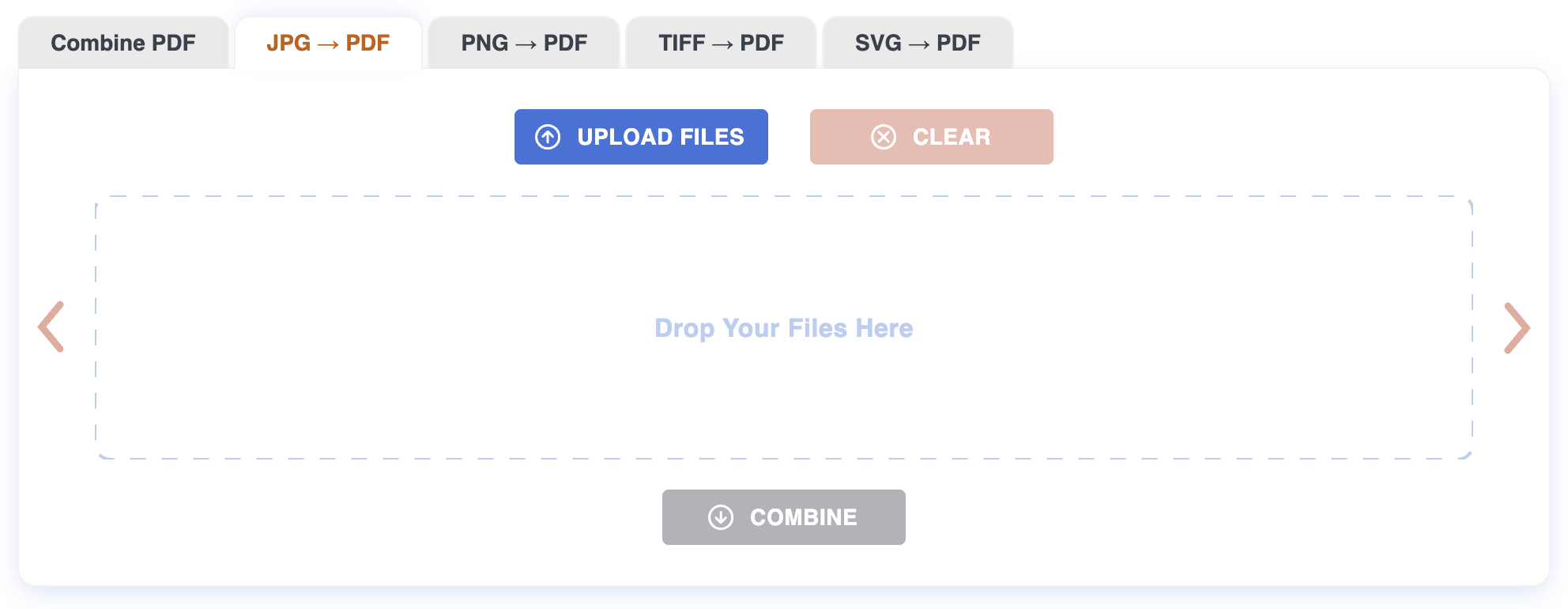
Step 1: Upload
Drag the JPGs onto the page, or click to pick them. Up to 20 files at once, 200 MB each. Conversion to PDF pages starts as soon as the upload finishes.
Step 2: Arrange
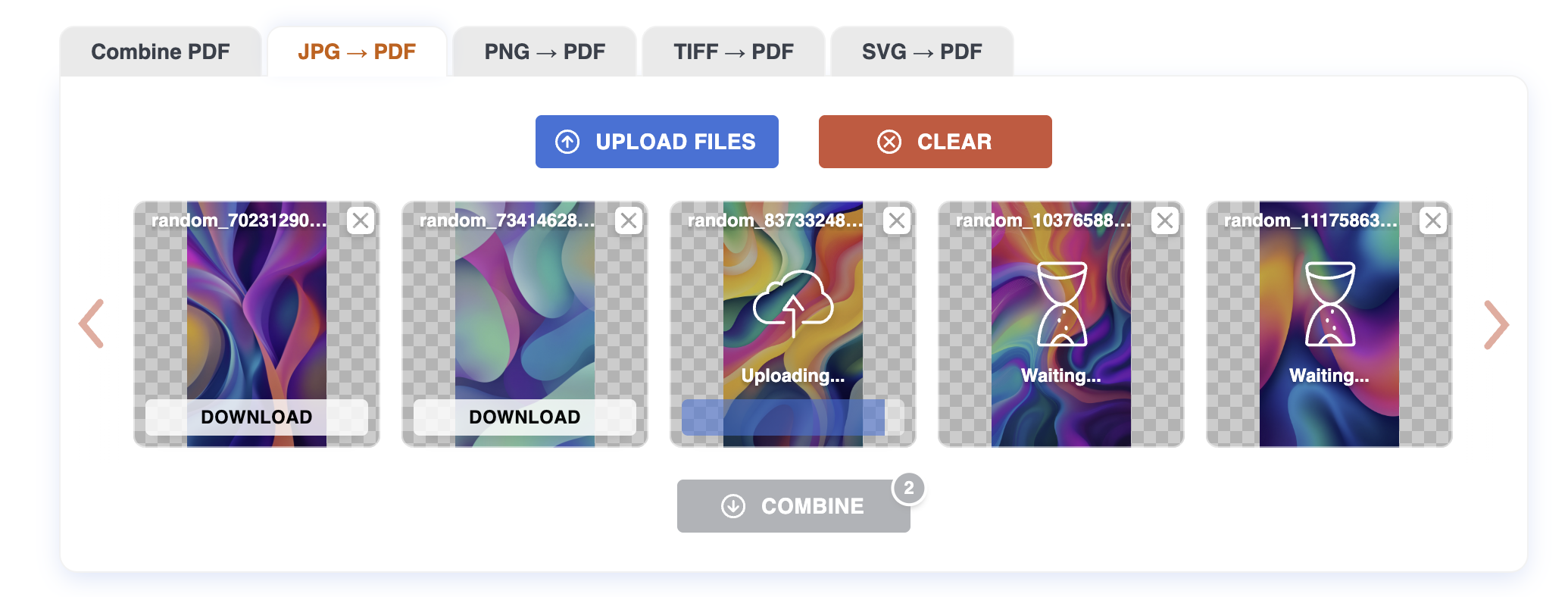
Each photo appears as a thumbnail. Drag tiles to set the page order — first tile becomes page 1, last tile becomes the final page. Click the X on a tile to remove a photo from the set.
Step 3: Download
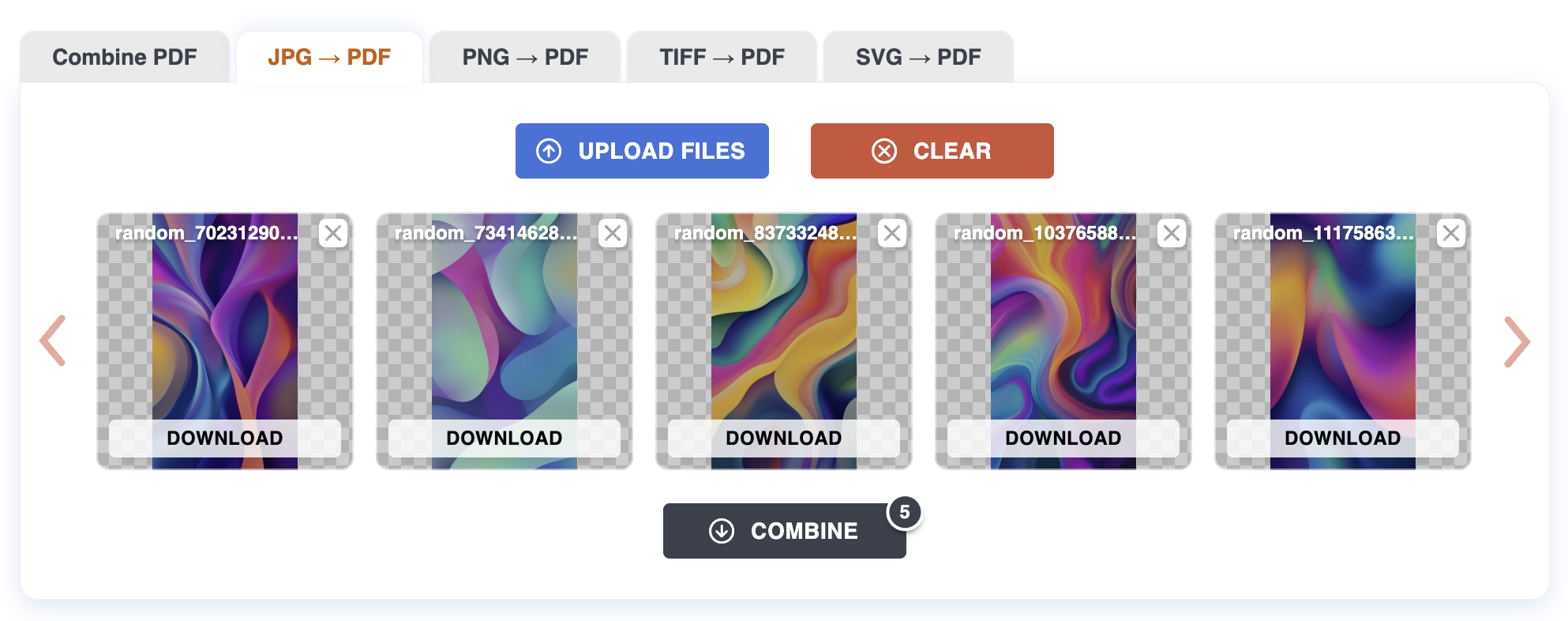
Click Download all to get a single PDF containing every photo as a page, in the order you set. If you only want one photo as a one-page PDF, use the per-file download button on the tile.
Tips
- One photo per page. Each JPG is fitted to an A4 page at 96 DPI, preserving aspect ratio. Portrait photos make portrait pages; landscape photos make landscape pages.
- JPG quality is preserved. The original encoding is repacked losslessly when possible — no extra recompression on top of the photo's existing JPEG quality.
- EXIF rotation is respected. Photos taken sideways on a phone will face the right way up in the PDF.
- Mixed sources are fine. Combine JPGs from different cameras, screenshots, or scans in one go.
What can be tricky
Different aspect ratios. Portrait and landscape photos in the same PDF will produce pages of different shapes. That's normal — PDF readers handle it — but it may surprise you when printing.
Very large photos. 50+ megapixel photos take a moment to render. Files over 200 MB are rejected; resize or compress them first.
What won't work
Files over 200 MB. Resize or recompress them first.
Corrupt or partial photos. If the JPG won't open in a viewer, it won't convert here.
Animated formats (animated WebP, AVIF). Only the first frame is used.
Privacy
Files are uploaded over HTTPS and processed on our server. Both the original photos and the resulting PDF are deleted automatically after one hour. No account required.
For more on how image-to-PDF conversion works, see the Blog.